Last Updated: October 25, 2026
Quick Summary
- Build one clean master template in Canvas, then copy it into every new course shell.
- Audit the master before duplicating, or old announcements and broken links ride along.
- Blackboard works best when you map objectives, content, and assessments before building.
- Ally is a separate license, so Blackboard's accessibility layer only exists if purchased.
- Run the pre-launch checklist twice, including once a week before the term starts.
Table of Contents
- Canvas vs Blackboard: Side-by-Side Course Design Comparison
- Canvas Course Design Best Practices
- Blackboard Course Design Best Practices
- Online Course Design Checklist for Canvas and Blackboard
- Canvas Course Templates and Reusable Content
- Accessibility, Migration, and Learning Outcomes Compared
- Which Platform Fits Your Course Design Workflow?
- Get Expert Help Building in Canvas or Blackboard
- Frequently Asked Questions
Canvas vs Blackboard: Side-by-Side Course Design Comparison
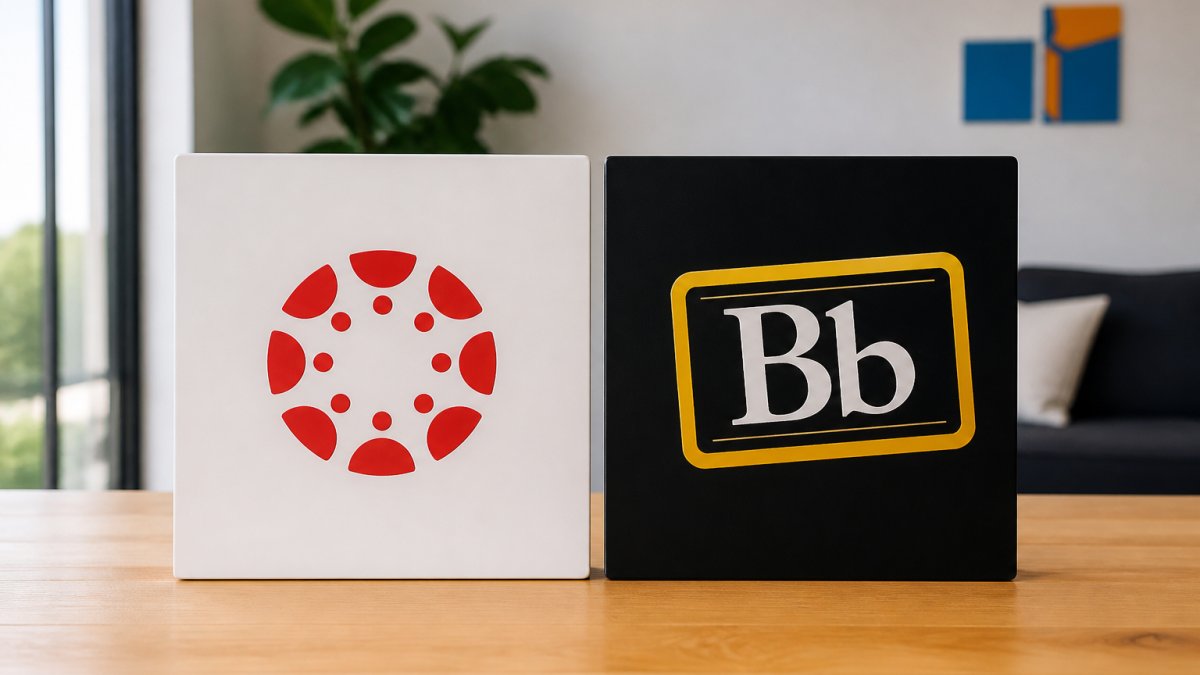
Canvas vs Blackboard is the comparison most academic administrators end up running when they want better online course design without ripping out their learning management system. The short answer: Canvas wins on speed and course reuse, while Blackboard wins on institutional structure and built-in accessibility options. At Babb Education, we build and refresh courses in both platforms, so we understand where each one helps a design team and where it gets in the way.
Both platforms handle the basics: course modules, assignments, quizzes, gradebooks, and discussion boards. The difference shows up in the workflow. Canvas makes it fast to copy a course, adjust a template, and publish a new shell. Blackboard gives you more institutional scaffolding and an optional accessibility layer, but the design process carries more setup.
| Feature | Canvas | Blackboard Learn |
|---|---|---|
| Course reuse | Copy an entire course or selected content | Course-building tools with institutional controls |
| Accessibility | Third-party tools via integrations | Optional Ally accessibility features |
| AI in course building | Available through external tools | Native course-building AI in Learn Ultra |
| Pricing | Institutional pricing, quoted on request | Institutional pricing, varies by student count and features |
| Best for | Teams that rebuild courses often | Institutions with formal course governance |

Canvas Course Design Best Practices
Canvas rewards a modular approach. Build one strong master template, then copy it into every new course shell and adjust the content. The copy function is the single biggest time saver in the platform, and it works best when your template is clean before you duplicate it.
A few habits that hold up in practice:
- Name modules by week and topic so students can scan the course home page.
- Set notification defaults at the course level so faculty do not have to rebuild them each term.
- Use pages for orientation material and keep files organized in folders that match the module structure.
- Add external tools only where they replace a real task, not to fill space.
A common mistake is copying a course forward without cleaning it first. Old announcements, broken links, and outdated due dates ride along with the copy. Audit the master before you duplicate it.
Blackboard Course Design Best Practices
Blackboard rewards planning before you build. The platform carries more institutional structure, so course design works best when you map the course first and then build it in a consistent pattern across sections.
Start with a course map that lists each learning objective, the content that supports it, and the assessment that proves it. Then build modules to that map. Use the course-building tools to keep naming and layout consistent, and turn on the optional Ally accessibility features if your institution licenses them. Learn Ultra includes native course-building AI, which helps with drafting and structure but still needs a human review pass.
Watch out: Blackboard's flexibility invites overbuilding. Teams add tools and settings that no one maintains after launch, and the course gets harder to update each term.
Online Course Design Checklist for Canvas and Blackboard
Use this checklist for every course build, whichever platform you run. It works as a pre-launch gate and as a refresh audit.
- Every module states its learning objectives in student-facing language
- Each objective maps to at least one assignment or quiz
- Course navigation follows the same pattern in every module
- Due dates and time zones are set and checked
- Files are named consistently and stored in folders
- External tools are tested with a student account
- Accessibility checks run on documents, videos, and images
- Gradebook columns match the syllabus exactly
- Announcements are scheduled for the first two weeks
- A colleague reviews the course before publish
Run the checklist twice: once when the build is done, and once a week before the term starts.
Canvas Course Templates and Reusable Content
Canvas course templates are the fastest path to consistent course design. Build one template that carries your module structure, syllabus page, navigation, and assignment patterns, then reuse it across every section. The copy function handles the duplication, so the template does the design work once.
A template is only as good as its maintenance. Assign one person to own the master template and review it each term. When a policy changes or a tool is retired, the template gets updated once and every new course inherits the fix.
For institutions that want a deeper look at accessibility inside Canvas, our team put together instructional design accessibility tips for Canvas LMS that cover the settings and habits worth building into the template.
Accessibility, Migration, and Learning Outcomes Compared
Accessibility is where the two platforms diverge most in daily practice, and it is also where most comparison articles stay vague. Here is what the work looks like in each platform.
Blackboard can be paired with Anthology Ally, an optional accessibility product that scans course files, flags problems, and gives students alternate formats such as tagged PDF, HTML, audio, and ePub (About Ally and Accessibility). Ally is a separate license, so the accessibility layer only exists if your institution bought it. Canvas does not ship a native file-remediation scanner.
Keyboard navigation and screen-reader support are solid in both platforms at the core level. The practical difference shows up in authored content. A clean module structure with descriptive headings, alt text on images, and captions on video matters more than the platform logo. Build captioning into the workflow from day one rather than retrofitting it after a course review.
Migration is the harder question, and it is the one most guides skip. Moving courses between platforms is never a straight copy. The Common Cartridge standard handles a lot of the transfer, and both platforms import and export it, but the design logic does not travel with the files. Module structure, tool settings, conditional release rules, and gradebook logic all need rebuilding by hand. A common pattern is that content arrives but the course still needs a full design pass before it is teachable. Budget time for a rebuild, not a transfer, and test every assessment and external tool with a student account before the term starts.
Learning outcomes deserve the same scrutiny. Both platforms track outcomes and can map activities to goals, but the evidence only means something if each objective maps to a real assessment. Completion and engagement data are easy to pull and easy to misread. A high click count does not prove learning.
If you want practical guidance on building inclusive courses, read our practical tips for creating inclusive online courses with UDL. For the outcomes side, our guide to aligning course content with learning outcomes walks through the mapping process.
Which Platform Fits Your Course Design Workflow?
Most comparisons stop at a feature list. The better question is which platform fits how your team builds courses. Here is how the decision breaks down by workflow.
Pick Canvas if your team rebuilds courses often and wants speed. The copy function and clean module structure make repeat builds fast. A designer can duplicate a master template, swap the content, and publish a new shell in a fraction of the time it takes to build from scratch. The learning curve stays short for faculty who only touch the course a few times a term.
Pick Blackboard if your institution needs formal course governance and wants accessibility built in through Ally. The institutional scaffolding helps when multiple departments build to a shared standard, and Ally gives you a remediation layer if your license includes it. The trade-off is more setup per course and a steeper learning curve for new designers. Learn Ultra's native AI tools can speed up drafting, but they still need a human review pass before anything goes live.
A third path fits many teams: keep the platform you have and fix the design process around it. A clear course map, a maintained master template, and a real review gate matter more than the logo on the login screen. If your team is stretched, bringing in outside design capacity can be cheaper than switching platforms and rebuilding every course.
If you are choosing a platform and want a deeper look at building courses that hold up after launch, our article on building structurally sound online courses covers the process end to end.
Get Expert Help Building in Canvas or Blackboard
The hardest part of online course design is not the platform. It is finding the capacity to build well while your team runs the current term. We work in Canvas, Blackboard, Brightspace D2L, and Moodle, and we build courses your institution owns outright, with no annual subscriptions, no minimums, and no long-term contracts.
Our online course instructional design service covers new builds and full redesigns, and our online course refresh services handle the updates that keep existing courses current. If your team is stretched, we can bring in subject matter experts and faculty through our vetted network of credentialed educators.
Frequently Asked Questions
What's better for online course design, Canvas or Blackboard?
There is no universal winner. Canvas tends to suit teams that want a clean interface and quick course copying, while Blackboard Learn Ultra appeals to institutions that need built-in AI course-building tools and optional Ally accessibility. The right pick depends on your existing integrations, faculty comfort, and whether you need templates or native accessibility checks. Run a pilot with real courses before committing.
How much does Canvas cost per student?
Canvas uses institutional pricing, and the supplied research does not list a per-student rate. Blackboard also quotes pricing based on student count and selected features. Because both platforms negotiate contracts, ask each vendor for a written quote that covers support, storage, and any add-ons. Then compare total cost of ownership, not just the headline license fee.
Can Canvas and Blackboard support accessible online courses?
Both platforms can host accessible course content, but the tools differ. Blackboard can be paired with Ally, an optional accessibility product that flags files needing fixes. Canvas relies on instructor practice and third-party tools for much of its accessibility support. Either way, build accessibility into your online course design checklist: headings, alt text, captions, and readable contrast.
Can an instructional design team build courses in an existing Canvas or Blackboard LMS?
Yes. External instructional designers can work inside your existing Canvas or Blackboard shell, build modules, set up assessments, and hand over full ownership. Look for a team that integrates with your LMS and follows your templates. Babb Education, for example, builds and refreshes courses in Canvas, Blackboard, Brightspace D2L, and Moodle while clients keep 100% of their intellectual property.
How do Canvas and Blackboard compare for course design workflow?
Canvas is often praised for a simpler interface and course-copying tools that speed up reuse. Blackboard Learn Ultra includes native course-building AI, according to a supplied comparison, which can help draft content faster. Teams that rely on templates may prefer Canvas, while institutions wanting built-in accessibility and AI support may lean toward Blackboard. Test both with a real course module before deciding.
If your next term starts before your courses are ready, that gap is the real problem to solve. Babb Education builds and refreshes courses in Canvas and Blackboard with a U.S.-based team, keeps your intellectual property in your hands, and works on a flat, grant-friendly model with no long-term contracts. Get started with Babb Education and walk into the semester with courses that are built, reviewed, and ready. Let's talk about your course build.